
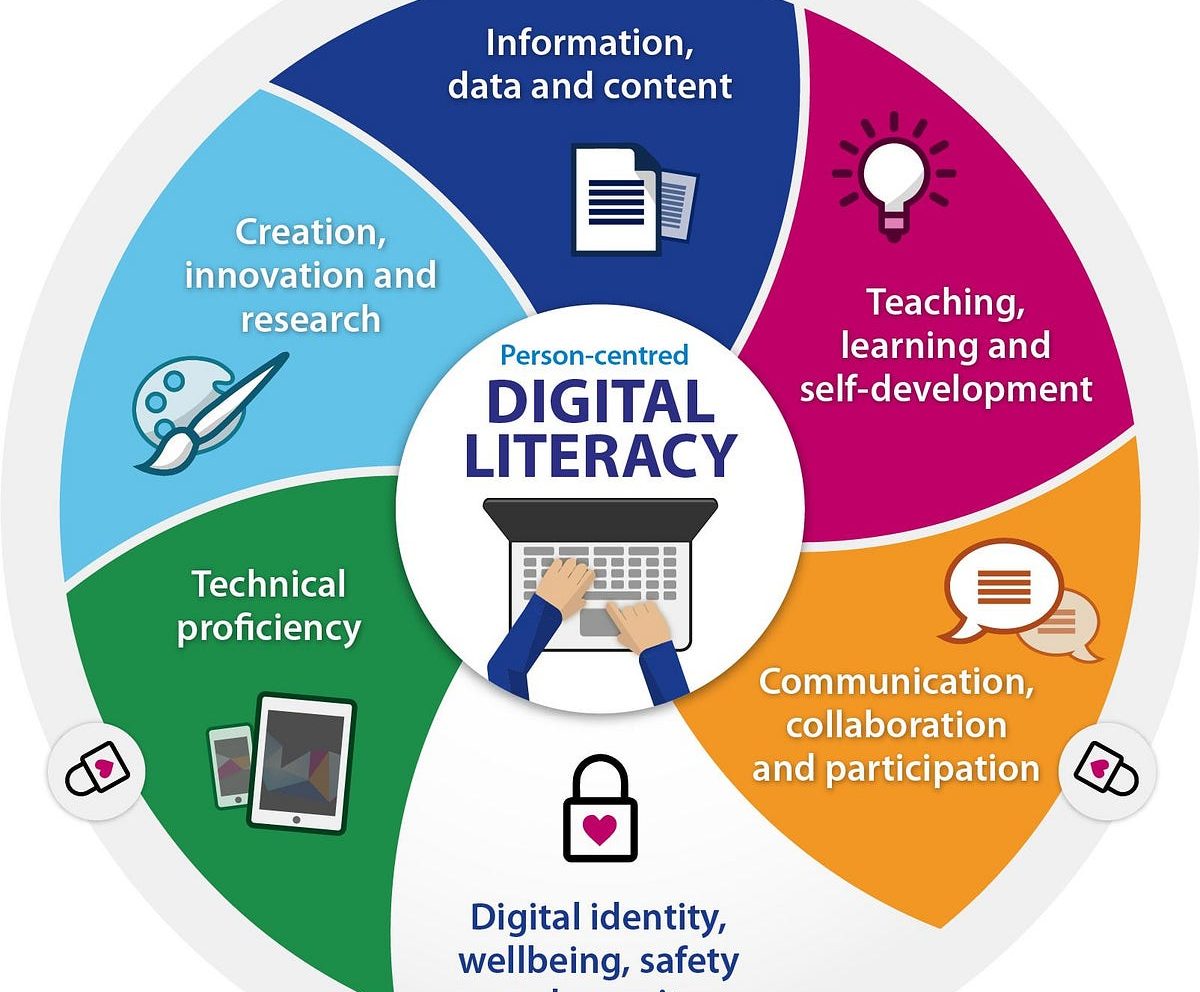
Introduction to Digital Literacy 1

- 4 Sections
- 9 Lessons
- 4 Quizzes
- 5h Duration
Module 1: Introduction to Computers
Module 2: Digital Tools for Teaching
Module 3: Online and Internet Safety
🎓 Certification Test (Final Assessment)
This course entails the following:
Module 1: Introduction to Computers
-
Lesson 1.1: What is a Computer?
-
Definition and types of computers
-
Basic parts (monitor, CPU, keyboard, mouse)
-
Input vs Output devices
-
-
Lesson 1.2: Basic Operations
-
Powering on/off safely
-
Navigating the desktop
-
Opening and closing programs
-
-
Lesson 1.3: File Management
-
Creating, saving, and organizing files/folders
-
Understanding file types and extensions
-
Module 2: Digital Tools for Teaching
-
Lesson 2.1: Productivity Tools
-
Introduction to MS Word, Excel, PowerPoint (or Google Docs/Sheets/Slides)
-
Practical classroom uses (e.g., lesson planning, record keeping)
-
-
Lesson 2.2: Interactive Tools
-
Using Google Classroom, Kahoot, and Padlet
-
Creating quizzes, digital boards, and assignments
-
-
Lesson 2.3: Multimedia in Teaching
-
Using audio, video, and images effectively in class
-
Basic video editing tools and visual aids
-
Module 3: Internet and Online Safety
-
-
Lesson 3.1: What is the Internet?
-
Browsers and search engines
-
Email basics and etiquette
-
-
Lesson 3.2: Safe Internet Use
-
Cyberbullying, phishing, and scams
-
Password security and digital footprints
-
-
Lesson 3.3: Digital Citizenship
-
Responsible use of digital tools
-
Encouraging safe student behavior online
-
-
You must be logged in to submit a review .
Related Courses

Google Workspace Course
Increase productivity with Google Workspace
Explore advanced digital collaboration
Classroom management with Google

Basic Digital Literacy Course I
Understanding Operating Systems
Basic office applications
Computer output devices and troubleshooting
Google Workspace Course
Explore how to increase productivity at school, at workplace or at home using great online tools
Create own portfolio, share and collaborate with anyone around the globe