
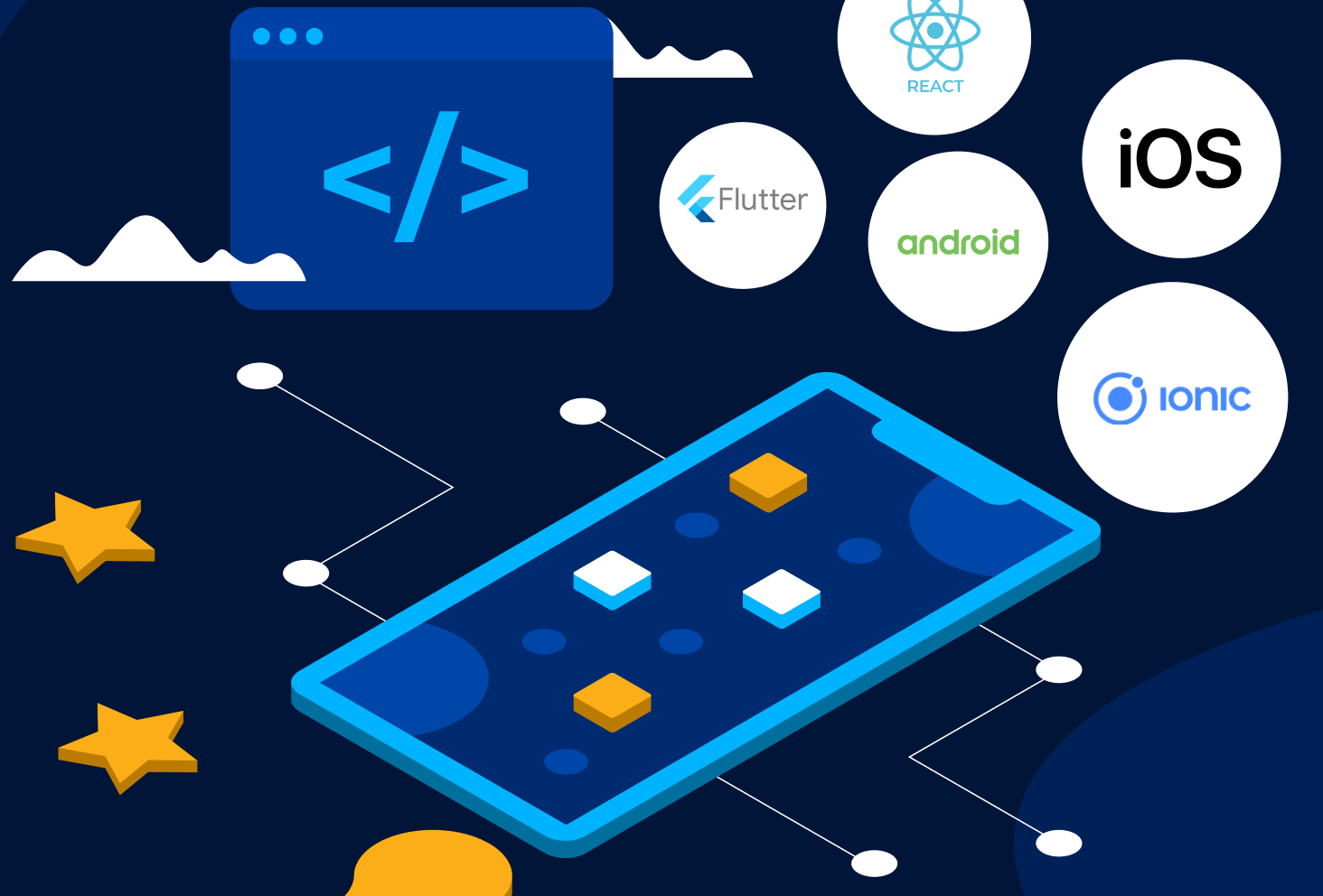
Introduction to Mobile App Development

- 4 Sections
- 15 Lessons
- 3 Quizzes
- 8h Duration
Introduction
- Lesson 1: Introduction to Mobile App development
- Lesson 2: The Mobile App Development Cycle
- Lesson 3: Tools and Platforms for Mobile App Development
- Lesson 4: Common Programming Languages for Mobile Apps
- Lesson 5: Introduction to UI/ UX Design
- Project- Based Assessment: Build Your First App
- Test Yourself Module 1
Module 2
Module 3: Enhancing User Experience with Multimedia
Final Certification Test
Introduction to Mobile App Development
Module 1: Understanding Mobile Apps
-
Lesson 1.1: What is a Mobile App?
-
Definition and real-life examples
-
Mobile apps vs web apps vs desktop apps
-
-
Lesson 1.2: Types of Mobile Apps
-
Native apps
-
Web apps
-
Hybrid apps
-
Progressive Web Apps (PWAs)
-
-
Lesson 1.3: Classification of Apps
-
By function (e.g., productivity, entertainment, education)
-
By platform (Android, iOS, cross-platform)
-
Module 2: The Mobile App Development Cycle
-
Lesson 2.1: Ideation and Planning
-
Lesson 2.2: UI/UX Design Basics
-
Lesson 2.3: App Development (Coding)
-
Lesson 2.4: Testing and Debugging
-
Lesson 2.5: Deployment and Maintenance
Module 3: Importance of Mobile Apps
-
Solving real-world problems
-
Enhancing productivity and communication
-
Relevance in education, business, and social impact
Module 4: Comparing App Types
-
Lesson 4.1: Advantages and Disadvantages
-
Native vs Web vs Hybrid
-
-
Lesson 4.2: Choosing the Right Approach
-
When to use each type
-
Considerations: performance, budget, audience, offline access
-
Module 5: Platforms for Mobile App Development (Beginner Friendly)
-
Lesson 5.1: Code.org App Lab
-
Drag-and-drop and JavaScript basics
-
Building simple interactive apps
-
-
Lesson 5.2: MIT App Inventor
-
Block-based coding for Android
-
Building educational or utility apps
-
Module 6: Introduction to App Development Languages
-
JavaScript (Code.org App Lab)
-
Java & Kotlin (Android)
-
Swift (iOS)
-
Dart (Flutter)
-
HTML/CSS (for web-based apps)
-
Python (Kivy as optional teaser for advanced learners)
You must be logged in to submit a review .
Related Courses

Learn with Studio Code
Enjoy a vast environment to unleash your imagination
Use your creativity and problem solving to explore and build your own world
No limits, its your lab
Scratch Level 2 Certified Educator
The Scratch 3 advanced course
Working with variables to store data
Using operators for games and simulations